 LaunchPix
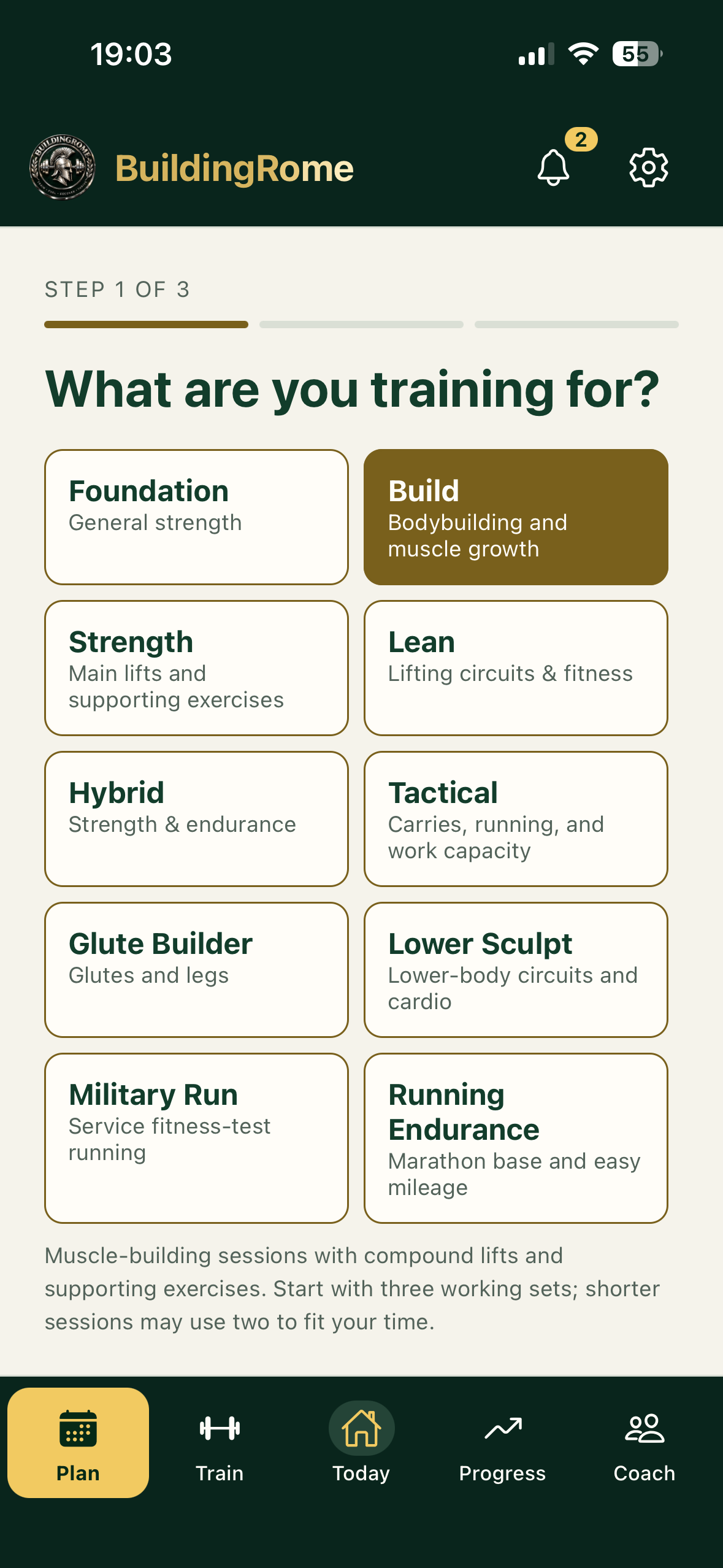
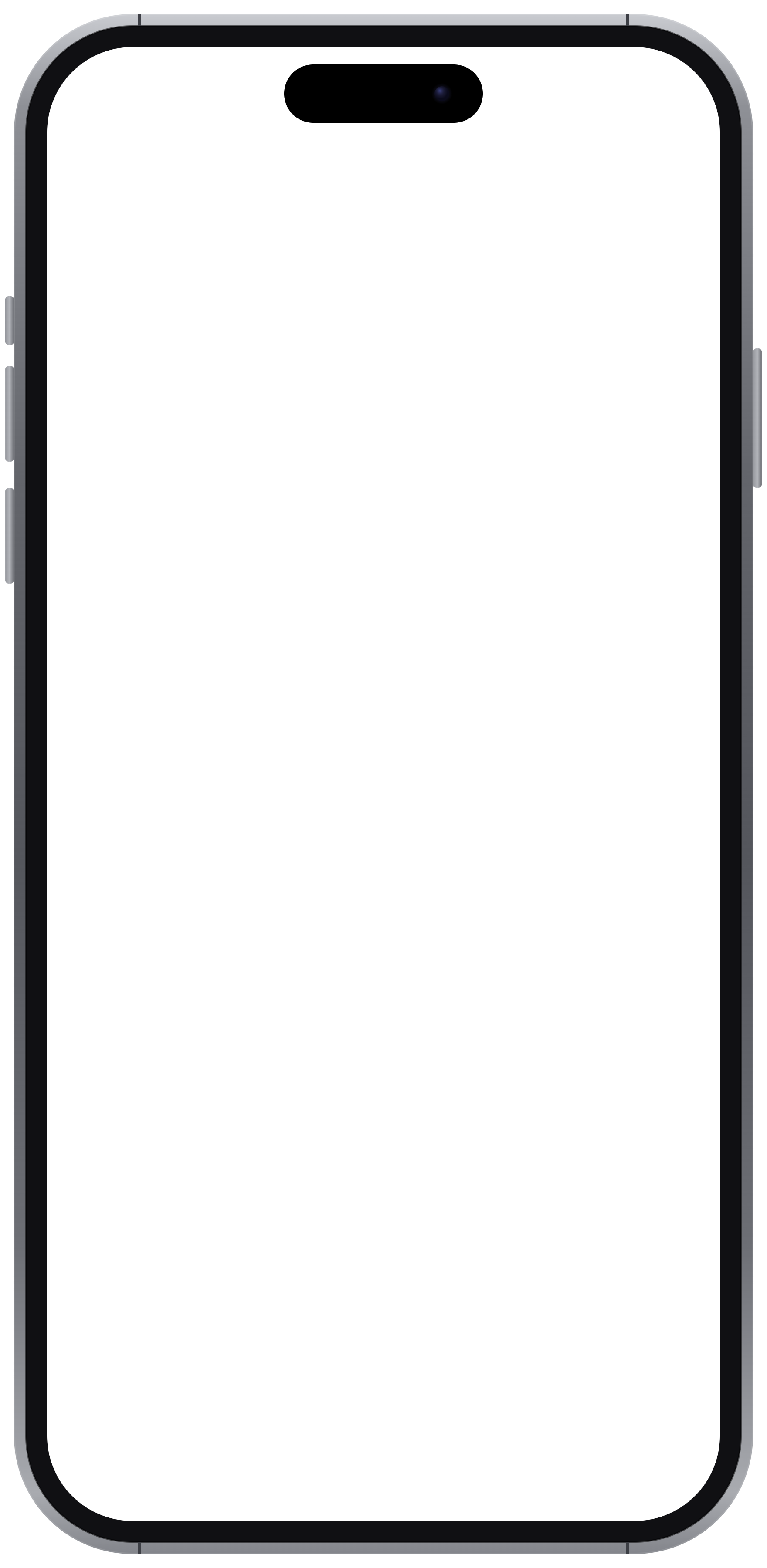
High-resolution device frames as transparent PNGs, in four finishes. Drop your screenshot underneath in any design tool. No sign-up, no watermark.
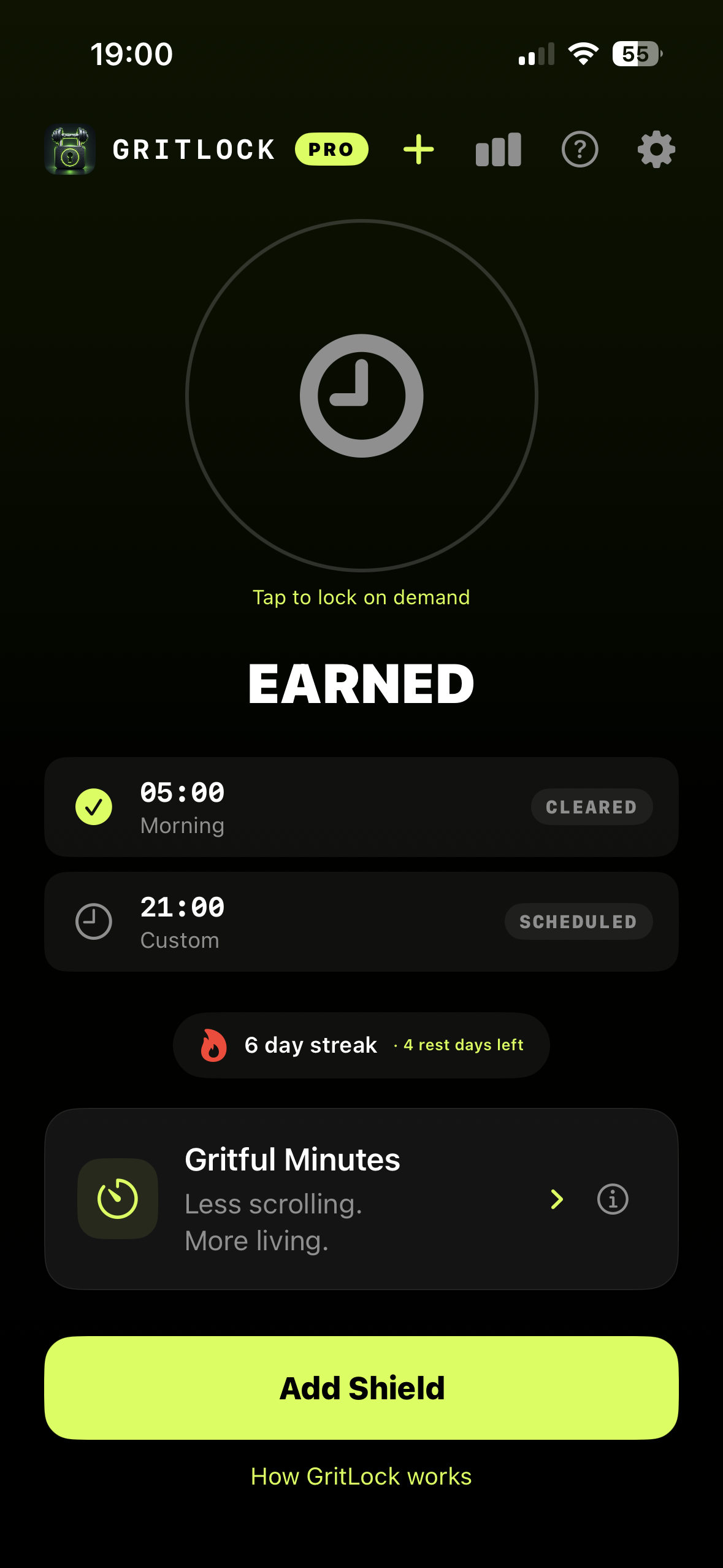
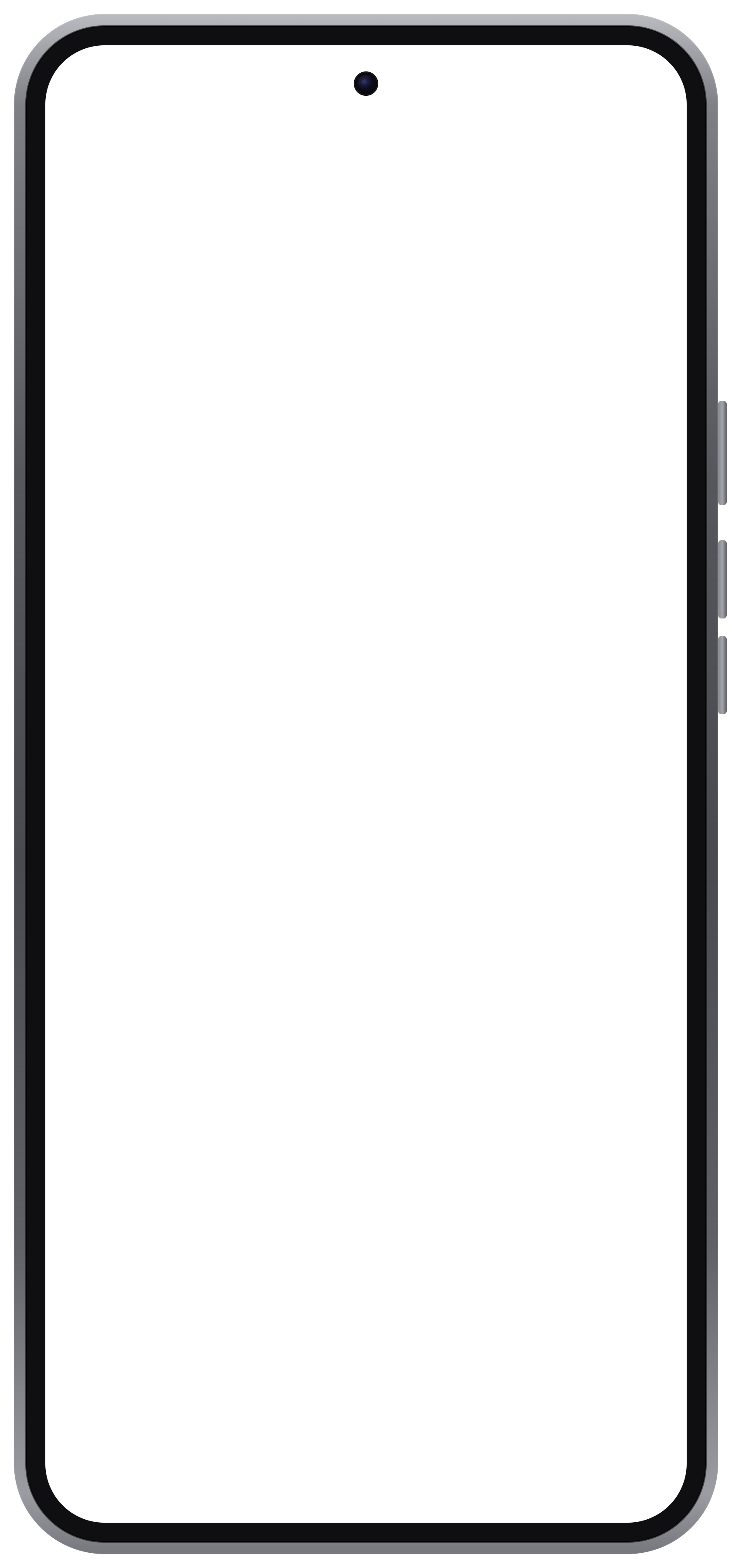
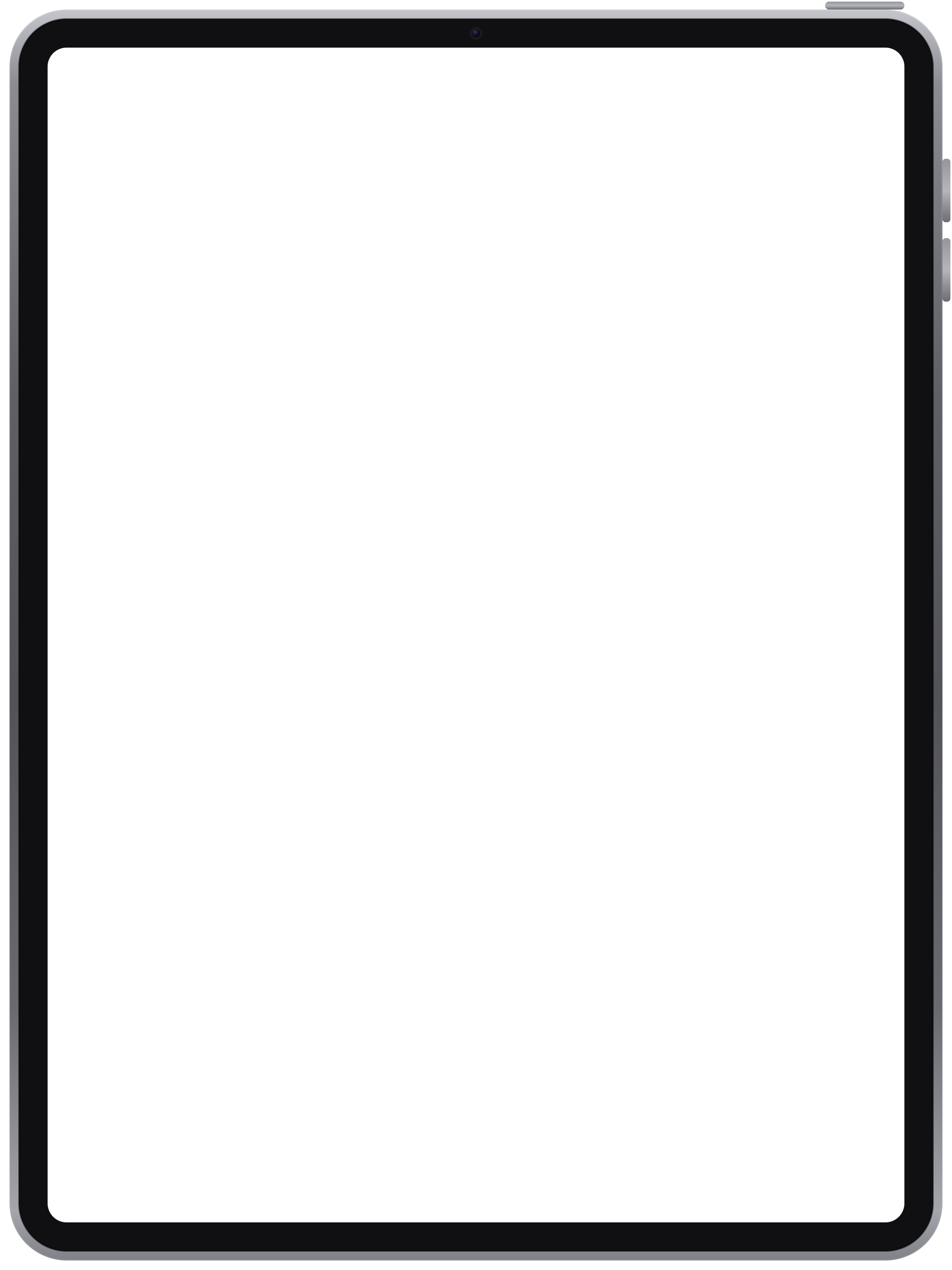
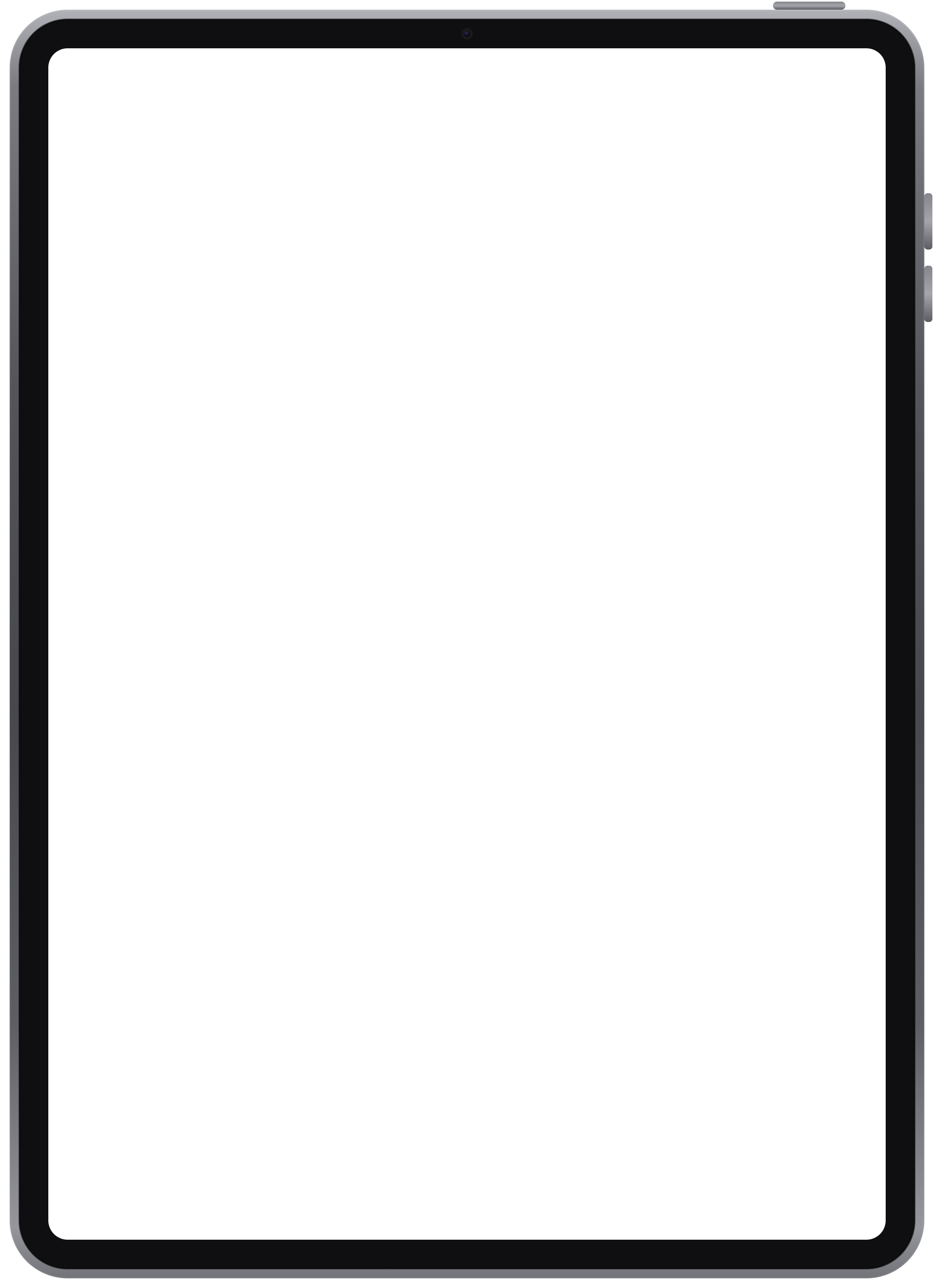
Upload a screenshot to LaunchPix and it lands in the frame automatically, with a background, captions, 3D tilt, and export at the exact App Store and Google Play sizes.
Put it on a layer and size it to the screen rectangle listed for that frame. The listed position is from the top-left corner of the PNG.
Drop the PNG on the layer above. The screen area is transparent, and the rounded screen corners mask your screenshot cleanly.
Group both layers and scale them together onto your background. The frames are large enough to stay sharp at full store size.
Yes. The frames are original artwork drawn for LaunchPix. Use them in App Store and Google Play screenshots, websites, decks, and social posts, free of charge. Please don't resell them as a standalone frame pack.
The frames are artwork, not finished store images. A finished iPhone 6.9″ App Store screenshot must be exactly 1320 × 2868 pixels. The LaunchPix editor exports at that size, plus the iPad and Google Play sizes, automatically.
No. A mention is always appreciated, but it isn't required.
iPhone and iPad are trademarks of Apple Inc. Android is a trademark of Google LLC. These frames are generic illustrations; LaunchPix is not affiliated with or endorsed by Apple or Google.